Ask Claude or ChatGPT how your social media did
No dashboards to dig through. Your AI reads your RobinReach analytics, compares this week with last week, finds the posts that worked and tells you, in plain words, what to post more of.
- Your AI
- Analytics
- A weekly report you can act on
How did Late Checkout do this week compared with last week? Tell me what worked and what we should post more of.
- Compared this week with last week on every network
- Ranked your posts by engagement
- Looked closer at the top post
Better week. Engagement is up 23% on six posts, one more than last week. Guest clips did best: the TikTok of Ana's hotel breakfast story brought in most of the comments. Post more short guest clips in the two days after an episode. Want me to plan three for next week?

 RobinReachReports
 Late Checkout
Late Checkout, this week
This week vs last week

Ana on the best hotel breakfast she has ever had
58 comments

Episode 42 is out: the night porter's stories
412 likesGuest clips posted within two days of an episode got twice the comments of everything else. Post more of those.
An example conversation with an invented brand and sample numbers. Photos from Unsplash.
What your AI uses to do it
Your assistant brings the thinking and the writing. RobinReach gives it hands: these are the parts of RobinReach it works with to get this done.
-
Your AI assistant
Claude, ChatGPT, Gemini, Codex or Cursor. You brief it the way you would brief a person, and it decides which RobinReach actions to take, in what order.
Connect yours in two minutes -
Analytics
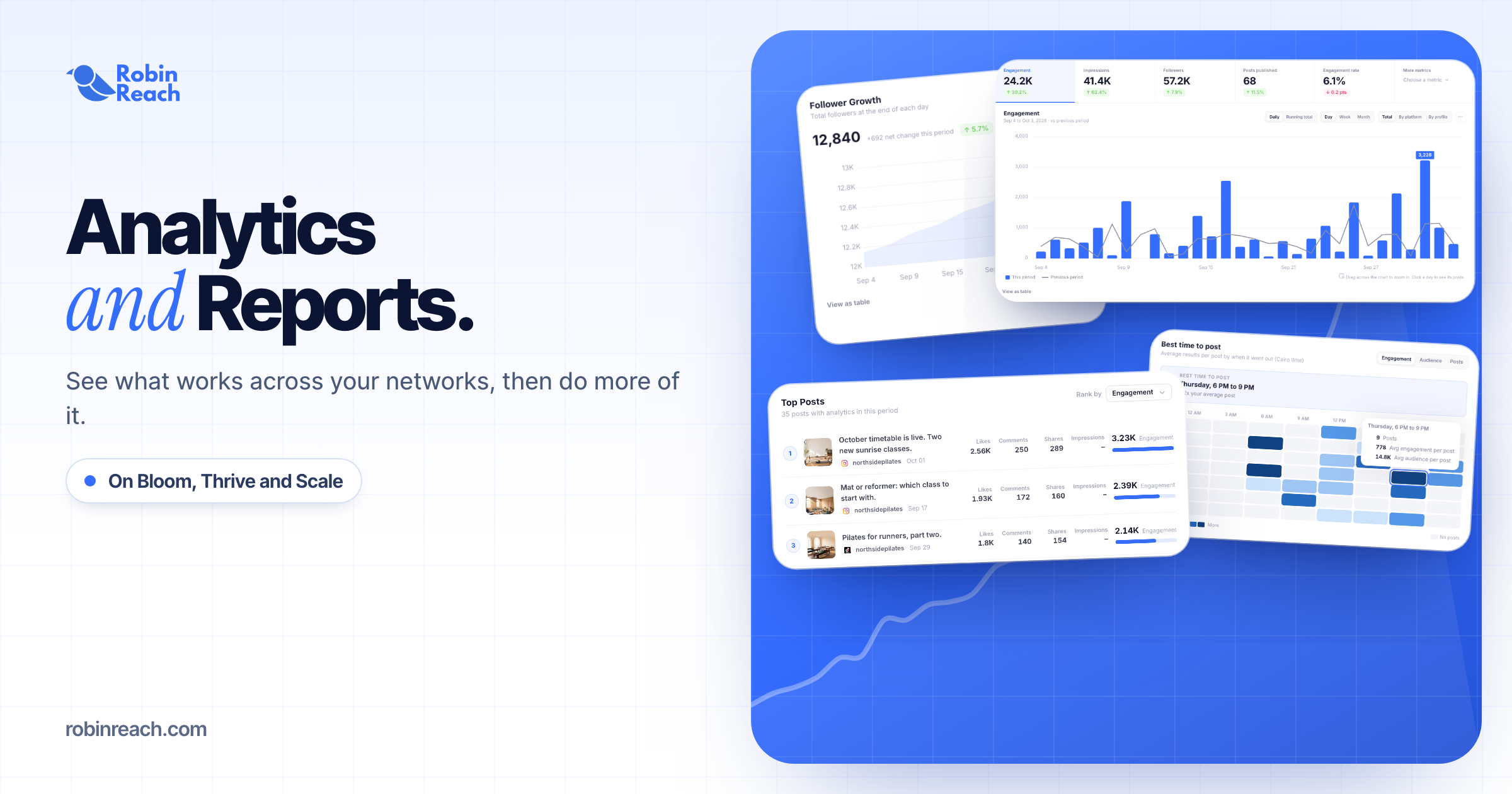
Reads your numbers from every connected network that shares them, compares them with the week before and picks out your best posts.
Learn more -
A weekly report you can act on
How it works
What happens between your message and the result. The small labels are the RobinReach actions your AI calls, in case you are curious.
-
Connect your AI to RobinReach, once
Add RobinReach to Claude or ChatGPT as a connector with one link, click Connect and sign in to RobinReach. There is no API key to copy. Other assistants use the link with your API key, from Integrations in RobinReach. It takes about two minutes and you never repeat it.
-
Compared this week with last week on every network
Posts published, engagement, reach and comments for this week, next to the same numbers for last week, with a recommendation attached.
-
Ranked your posts by engagement
It sorts the week's posts by likes, comments, shares and reach to find the ones that carried it.
-
Looked closer at the top post
Live numbers for one post, across every network it went out on, so it can say why that one worked.
-
Check it in RobinReach
Everything your AI did is in RobinReach: the calendar, the posts and their status. Edit, move or delete anything from there.
Copy the prompt
Paste it into your assistant and change the details to fit your brand.
How did Late Checkout do this week compared with last week? Tell me what worked and what we should post more of.
More ways to ask
Copy one, paste it into Claude or ChatGPT, and swap in your own details.
-
How did we do this week compared with last week? Keep it to five bullet points.
-
Which three posts got the most comments this month, and what do they have in common?
-
How did yesterday's Reel do on Instagram and Facebook?
-
Compare our LinkedIn Page and our Instagram for the last 30 days. Where should we spend more time?
-
Every Monday, I'll ask you for last week's report. Start with what changed, then what to do next.
What it does, and what it doesn't
- Your AI reads the same numbers as the Reports screen in RobinReach, so the two never disagree.
- Analytics cover 11 networks. Telegram and WordPress don't share numbers, and LinkedIn shares them for company Pages, not personal profiles.
- How far back it can look depends on your plan: 92 days on Bloom, 183 on Thrive and any range up to a year on Scale.
- X post numbers are read on the Scale plan. On Bloom and Thrive your AI sees X follower numbers only.
- Want a PDF in your inbox instead? Reports can email a branded weekly or monthly report.
Start smaller, or stack one more feature
Every use case is a recipe of RobinReach features. These share some of this one's.


Related

Write in your brand voice
Your AI studies your past posts, remembers your corrections and writes like you on every network.
+ Brand voice 1 feature See how it works Combo
One video to TikTok, Reels and Shorts
Captions, titles, covers and settings for each network, from one sentence.
+ Video, Reels and ShortsPublishing to 13 networks 2 features See how it works ComboDM everyone who comments a keyword
A lead magnet post plus the automation that sends the link to everyone who comments.
+ Comment to DMPublishing to 13 networks 2 features See how it worksFrom the blog

Frequently asked questions
Can ChatGPT read my social media analytics?
Can Claude make a weekly social media report?
Which networks are included?
Are the numbers live?
Can it tell me who my followers are?
Which RobinReach plan do I need for this?
Get your report in one question
Connect Claude or ChatGPT to RobinReach once and ask how your week went. Included in Bloom, Thrive and Scale.