

Up to 10 replies, queued under the post
The follow up is the part most people never get round to. Write it now and RobinReach posts it under the original for you.
 Threads scheduler
Write the post and the replies that follow it, add a carousel or a video, and pick a time. RobinReach publishes the whole sequence in order while you get on with your day.
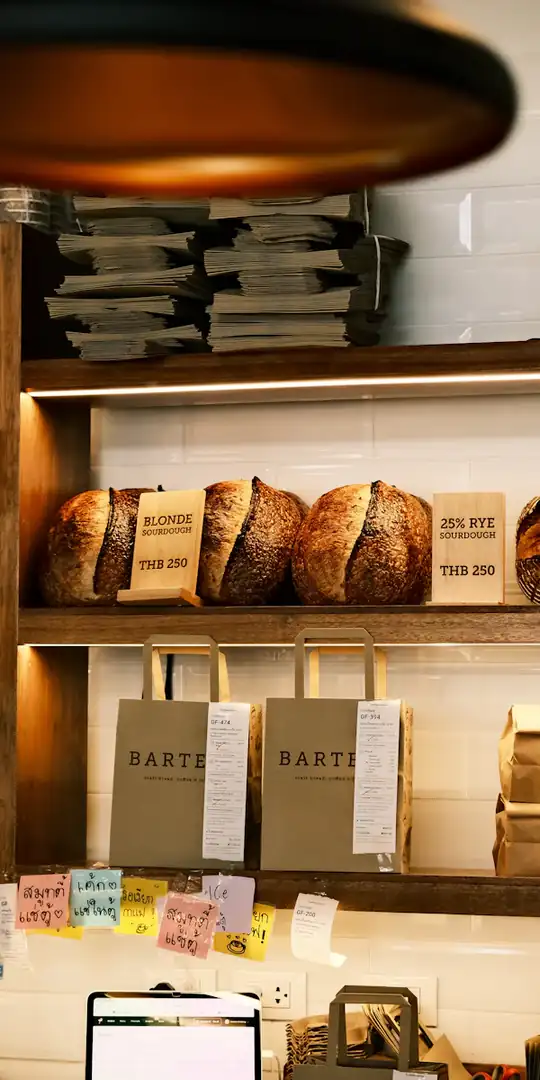
An example bakery, invented for this page. Photos from Unsplash.
Yes. RobinReach schedules Threads text posts, photos, carousels and video through Meta's official Threads API, with up to 10 replies queued under each post. At the time you pick, the post goes out and each reply follows under it, in order.
| Post length | 500 characters Counted as you type, for the post and every reply |
|---|---|
| Photos | JPG or PNG, up to 8 MB |
| Carousels | Several photos in one post Built through the Threads API when it publishes |
| Video | MP4 or MOV, up to 5:00 Up to 1 GB, checked when you attach it |
| Replies | Up to 10 per post Published in order under the post |
| Comments | Answered from RobinReach In the Engage inbox, next to Facebook, Instagram and LinkedIn |
The follow up is the part nobody gets round to. Write it now, and it lands under your post right on time.
Four steps, and once the account is connected only the last three repeat.
Authorize RobinReach through Threads in one tap. It uses Meta's official Threads API, so your password is never shared with RobinReach.
Type the post, add photos, a carousel or a video, then up to 10 replies underneath. Every part has its own 500 character counter.
Choose a day and time in your brand's time zone, or use your own best times to post, worked out from your past results.
The post goes live at that time, then each reply is added under it in the order you wrote them, and the calendar shows it as published.
Text, photos, carousels, video and replies, in the same place you plan everything else.
The follow up is the part most people never get round to. Write it now and RobinReach posts it under the original for you.
Longer than X, shorter than a blog. The composer counts as you type so nothing is cut off.
Drag in several photos, put them in order, and RobinReach builds the carousel through the Threads API when it publishes.
MP4 or MOV up to 1 GB, checked against Threads' rules when you attach it, not after publishing fails.
Threads comments arrive in the Engage inbox with Facebook, Instagram and LinkedIn, so you answer them all in one pass.
Your Threads numbers sit on the same report card as every other network, over 7, 30 or 90 days, on Bloom, Thrive and Scale.
Connect Claude or ChatGPT to RobinReach and ask for a week of Threads posts in plain words. It writes them, checks the limits and schedules them.
Posting from the app means writing, attaching and replying in the moment, every single time.
How to create a post once and publish it to every platform with RobinReach.
The biggest reason I switched is the Community Inbox…
The replies, the inbox and the other Meta networks all live in the same place.
Write the post and the replies under it, and publish the chain in order.
Learn moreComments from Facebook, Instagram, LinkedIn and Threads in one inbox.
Learn more
Reels, Stories, carousels and posts, with first comments, collaborators and Reel music.
Learn moreConnect Claude or ChatGPT to RobinReach with one MCP URL and it writes, schedules, and publishes to Threads straight from the conversation.
Text posts, single photos, carousels of several photos, and video. Each one can carry up to 10 replies underneath, written at the same time as the post.
Up to 10. Write them in the composer with the post and RobinReach adds each one under the original, in order, once the post is live. How threaded posts work.
Yes. Attach several photos to the post and RobinReach builds the carousel through the Threads API at publish time. Photos must be JPG or PNG, up to 8 MB each, which is Threads' own rule.
Up to 5:00, in MP4 or MOV, up to 1 GB. RobinReach checks the format, size and dimensions when you attach the file, so the post doesn't fail at publish time.
Yes. Threads comments arrive in the Engage inbox with Facebook, Instagram and LinkedIn, and you reply from there. The inbox covers public comments, not direct messages.
Followers, views and likes over 7, 30 or 90 days, on the same report card as your other networks. Analytics are included on Bloom, Thrive and Scale.
Yes. Pick both on the same draft. Each keeps its own preview and limit, so the 500 character Threads version and the longer Instagram caption can differ without writing the post twice.
Connect Threads and let RobinReach publish every post and every reply in order, on time.