
Six buttons, one for every kind of update
Give each update somewhere to go. Every button carries your own link, and Call now uses the number on your profile.
 Google Business Profile scheduler
Local customers see your profile before your website. Write the update once, add a photo and a button, and let RobinReach publish it on time to every location you run.
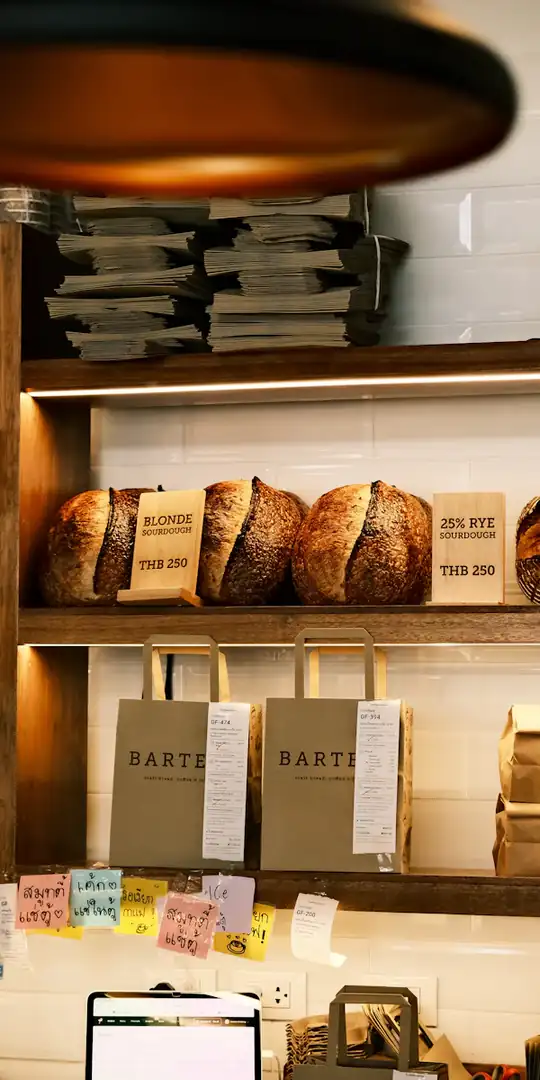
An example bakery with invented numbers. Photos from Unsplash.
Yes. RobinReach publishes updates of up to 1,500 characters with one photo or one video to your Google Business Profile, with an optional Learn more, Book, Order online, Shop, Sign up or Call now button on photo updates. Pick every location the update applies to, and RobinReach publishes to each at the time you choose.
| Update length | Up to 1,500 characters |
|---|---|
| Photo | One JPG or PNG At least 250 px, up to 5 MB |
| Video | One video instead of a photo At least 720p, up to 25 MB, without a button |
| Buttons | Learn more, Book, Order online, Shop, Sign up, Call now Call now uses the phone number on your profile |
| Locations | Every location you connect Up to 20 updates a day per location |
| Reports | Search and Maps views, website clicks, calls Plus direction requests, bookings and menu clicks, on Bloom, Thrive and Scale |
| Reviews | Not read or answered RobinReach publishes updates, it does not manage reviews |
People decide on the drive over. Make sure the newest thing they see is the thing you want them to know.
Four steps, and once your locations are connected only the last three repeat.
Sign in with the Google account that manages your business, then pick the locations RobinReach should publish to.
Write up to 1,500 characters, add one photo or video, and choose the button customers will see, with your own link.
Choose a day and time in your brand's time zone, or repeat the update on a schedule with recurring posts.
Views on Search and Maps, website clicks, calls, direction requests and bookings land on the same report card as your other networks.
Buttons, locations and real local numbers, on the same calendar as your social posts.
Give each update somewhere to go. Every button carries your own link, and Call now uses the number on your profile.
Opening hours, an offer and the small print all fit, with a live count as you type.
Connect each location once, then pick the ones an update applies to.
One photo or one video per update, checked against Google's rules when you attach it.
Views on Search and Maps, website clicks, calls and direction requests, over 7, 30 or 90 days.
A new offer can go to Google, Facebook, Instagram, your WordPress blog and Telegram from one draft.
Connect Claude or ChatGPT to RobinReach and describe the change. It writes the update for each location and schedules it.
Updating each location by hand means the profile only changes when someone has a spare minute.
A step by step tour of every feature in RobinReach Reports.
Their dashboard brings all my accounts into one place, so scheduling posts and tracking performance is effortless.
 Haneen HelalReview on Trustpilot
Repeat weekly updates, see what they do in your reports, and post the same news to Facebook.
Repeat a post daily, at weekends, weekly, monthly or every few days, until an end date.
Learn moreEvery network on one report card, with the best time to post from your own data.
Learn more
Page posts, Reels, Stories, coloured text posts and comment threads, on a schedule.
Learn moreConnect Claude or ChatGPT to RobinReach with one MCP URL and it writes, schedules, and publishes to Google Business Profile straight from the conversation.
Standard updates: text of up to 1,500 characters, one photo or one video, and an optional button on photo updates. These appear on your listing in Google Search and Maps.
Learn more, Book, Order online, Shop, Sign up and Call now. The first five carry a link you provide; Call now uses the phone number already on your profile. Buttons work on photo updates, not on video updates.
Yes, one video per update instead of a photo, at least 720p and up to 25 MB. Google doesn't allow a button on a video update, and RobinReach tells you before you schedule.
Yes. Connect each location, then select every one an update applies to. RobinReach publishes to each, so one draft covers the whole business.
No. RobinReach publishes updates to your profile and reports how it performs. Reading and replying to reviews isn't part of the product, and we would rather say so up front.
Profile views on Search and Maps, website clicks, calls, direction requests, conversations, bookings and menu clicks, beside every other network. See the reports.
Fresh updates give people searching for you more to read and more reasons to act, and Google shows them right on your listing. RobinReach makes that consistency practical by queuing weeks of updates in one sitting.
Connect your Google Business Profile and schedule a month of updates before Monday.