Reply to social media comments with AI, in your voice
Ask Claude or ChatGPT to clear your comments. It answers questions on Instagram, Facebook, LinkedIn, Threads and YouTube (Thrive and Scale), and replies to Google reviews you approve first, as your brand. It likes the kind comments and leaves the tricky ones for you.
- Your AI
- Comments
- Brand voice
- Every comment answered, in your voice
Go through today's comments for Crumb & Crust. Answer the questions in our voice, like the nice ones, and leave anything about orders or refunds for me.
- Found 5 new comments on Instagram, Facebook and LinkedIn
- Read how Crumb & Crust writes
- Answered 3 questions as Crumb & Crust
- Liked a kind comment on Facebook
Done. I answered 3 questions, about the gluten free loaf, Sunday hours and breakfast for an office, and liked Tom's comment. I left Dana's message about a damaged cake for you, since it needs a refund decision. Want me to draft a reply you can check first?

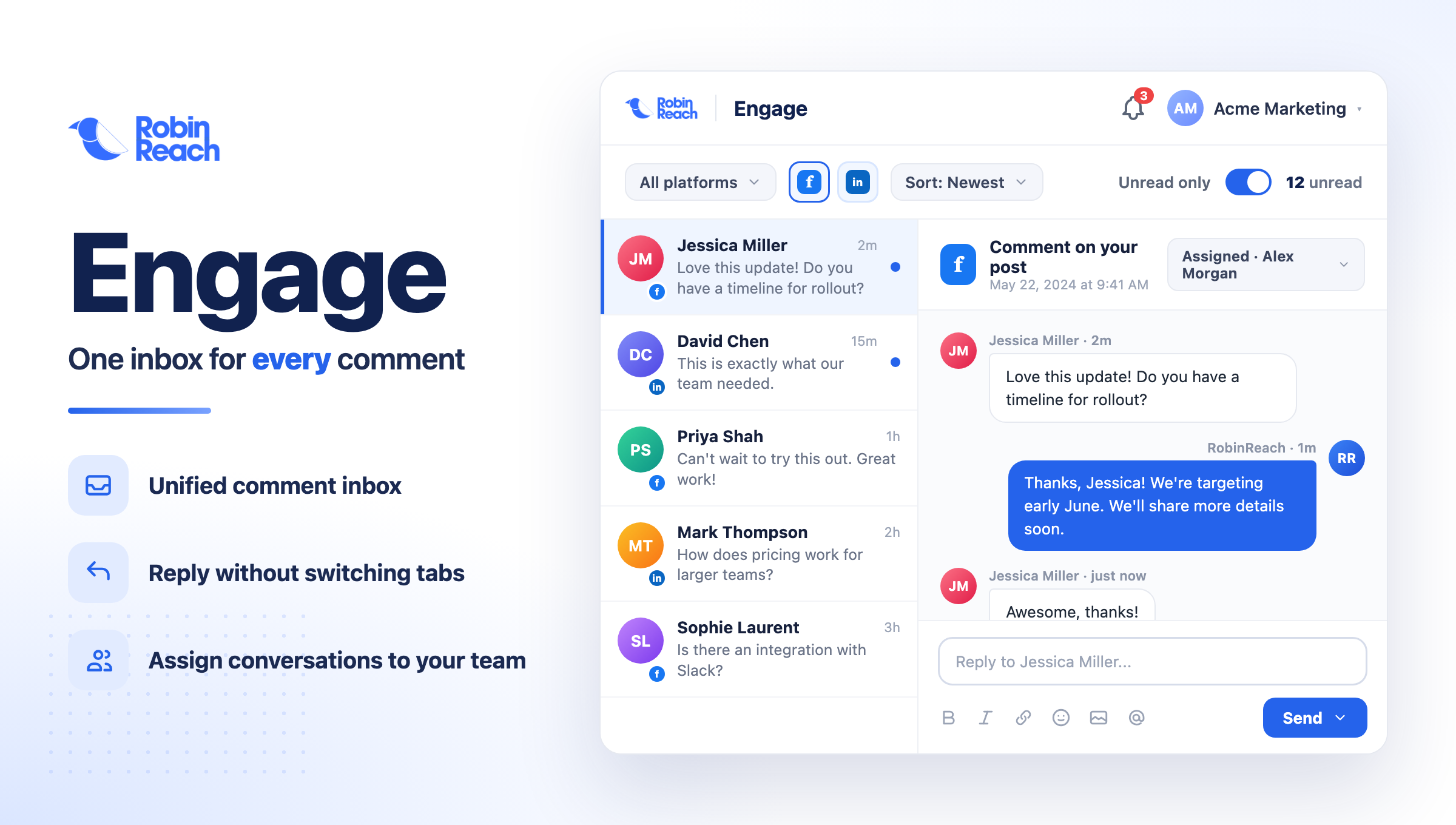
 RobinReachEngage
 Crumb & Crust


Is the country sourdough gluten free?
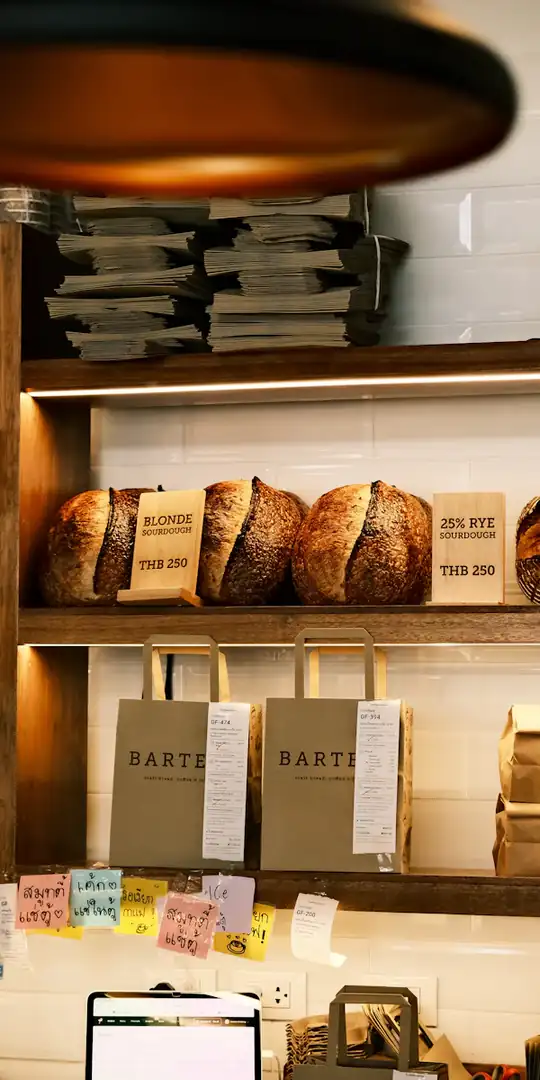

Best sourdough in town, every single Saturday.

Do you cater breakfast for offices? We are a team of 30 near the station.
Are you open this Sunday?
My cake order arrived damaged. How do I get a refund?
An example conversation with an invented brand. Photos from Unsplash.
What your AI uses to do it
Your assistant brings the thinking and the writing. RobinReach gives it hands: these are the parts of RobinReach it works with to get this done.
-
Your AI assistant
Claude, ChatGPT, Gemini, Codex or Cursor. You brief it the way you would brief a person, and it decides which RobinReach actions to take, in what order.
Connect yours in two minutes -
Comment inbox
Pulls new comments from Facebook, Instagram, LinkedIn, Threads and YouTube (Thrive and Scale), and reviews from Google Business Profile, into one list, replies under the right comment or review and likes the kind comments on Facebook and LinkedIn.
Learn more -
Every comment answered, in your voice
How it works
What happens between your message and the result. The small labels are the RobinReach actions your AI calls, in case you are curious.
-
Connect your AI to RobinReach, once
Add RobinReach to Claude or ChatGPT as a connector with one link, click Connect and sign in to RobinReach. There is no API key to copy. Other assistants use the link with your API key, from Integrations in RobinReach. It takes about two minutes and you never repeat it.
-
Found 5 new comments on Instagram, Facebook and LinkedIn
One list across Facebook, Instagram, LinkedIn, Threads and YouTube (Thrive and Scale), newest first, showing what you have already answered.
-
Read how Crumb & Crust writes
So the replies sound like your posts: the same warmth, the same length, none of the help desk phrases.
-
Answered 3 questions as Crumb & Crust
Each reply is posted under the right comment, on the right network, as your brand.
-
Liked a kind comment on Facebook
Liking works on Facebook Pages and LinkedIn. It is the right answer when a reply would be too much.
-
Check it in RobinReach
Everything your AI did is in RobinReach: the calendar, the posts and their status. Edit, move or delete anything from there.
Copy the prompt
Paste it into your assistant and change the details to fit your brand.
Go through today's comments for Crumb & Crust. Answer the questions in our voice, like the nice ones, and leave anything about orders or refunds for me.
More ways to ask
Copy one, paste it into Claude or ChatGPT, and swap in your own details.
-
Check my comments from the last two days and answer every question. Skip anything about pricing; list those for me instead.
-
Show me the unanswered comments on Instagram, newest first, and suggest a reply for each before you post anything.
-
Show me the Google reviews I have not answered, lowest ratings first, and draft a reply for each. Do not post anything yet.
-
Reply to everyone who asked where to buy under yesterday's LinkedIn post. Point them to our website.
-
Like the kind comments on our Facebook Page from this week. No replies needed.
-
I prefer shorter replies with no exclamation marks. Remember that for next time.
What it does, and what it doesn't
- Comments on your posts, plus Google Business Profile reviews. Direct messages are not part of the inbox on any network, and reviews from other sites are not either.
- A reply to a Google review is public, and Google keeps one reply per review, so a new reply replaces the old one. Your AI is set up to show you a draft first, especially for 1 to 3 star reviews.
- Your AI only answers what you ask it to. Tell it what to leave for you, like refunds, complaints or anything legal.
- Likes work on Facebook Pages and LinkedIn. Instagram, Threads and YouTube comments and Google reviews can be answered but not liked this way.
- X comments are not in the inbox yet.
- Replies go out at up to 10 a minute per brand, so a long list takes a few minutes.
- If comments from an account you connected a while ago don't show up, reconnect that account once so RobinReach can read them.
- Want an automatic reply whenever someone comments a keyword? That's Comment to DM, for Facebook Pages and Instagram.
Start smaller, or stack one more feature
Every use case is a recipe of RobinReach features. These share some of this one's.

Related

Turn a blog post into a week of posts
One link in, seven posts out: each idea rewritten for every network and scheduled across the week.
+ Blog to postsBrand voiceBest times to postPublishing to 13 networks 4 features See how it works PlaybookPlan a month of posts
Your voice, your content mix and your own photos, turned into a full month on the calendar.
+ Brand voiceContent pillarsContent calendarBest times to postMedia libraryPublishing to 13 networks 6 features See how it works Combo
Fill the gaps in your calendar
Your AI spots the empty days in the next two weeks and fills each one in your voice.
+ Content calendarBrand voice 2 features See how it worksFrom the blog
Frequently asked questions
Can ChatGPT reply to my Instagram comments?
Does it reply automatically, all day long?
Can it answer direct messages?
Will it answer comments I would rather handle myself?
Which networks does it cover?
Can it reply to my Google reviews?
Which RobinReach plan do I need for this?
Let your AI take the comments
Connect Claude or ChatGPT to RobinReach once, then ask it to clear your comments whenever you like. Included in Bloom, Thrive and Scale.