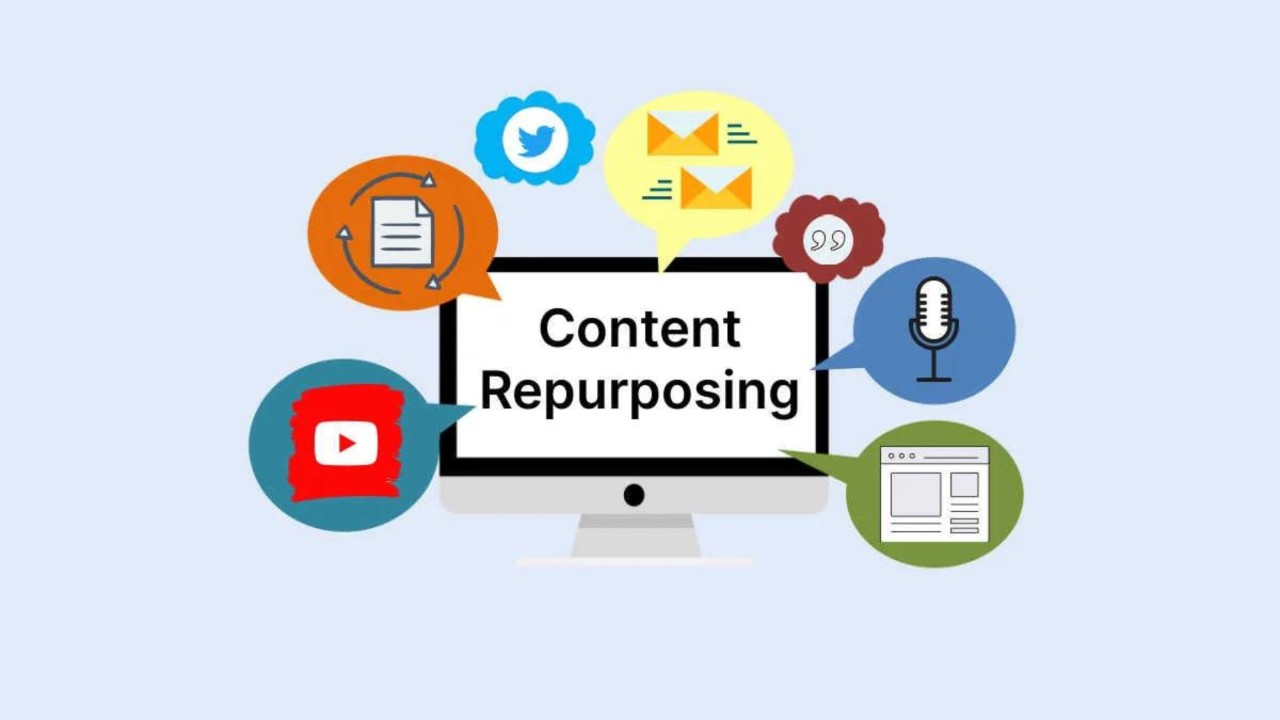
Turn a blog post into a week of social posts with AI

Paste the link into Claude or ChatGPT. Every idea in the article becomes a post, rewritten for LinkedIn, X, Facebook and Threads in your voice and spread across the week.

  • Your AI
  • Blog to posts
  • Brand voice
  • Best times
  • Publishing
  • One article, a week of posts
RobinReach connected

Turn our new article into a week of posts for LinkedIn, X, Facebook and Threads, one a day from Monday, in our voice: northboundcoffee.com/journal/dial-in-espresso

What it did in RobinReach
  1. Read the article and saved 7 drafts from its main ideas
  2. Learned how Northbound Coffee writes on each network
  3. Rewrote every draft for each network and checked the limits
  4. Found a free posting slot for each day
  5. Scheduled one post a day, Monday to Sunday

All 7 are scheduled, one a day from Monday, each with its own version for LinkedIn, X, Facebook and Threads. X posts from RobinReach can't carry links, so the X versions lead with a tip instead. Want a short X thread from the article too?

RobinReachPosts Northbound Coffee
northboundcoffee.com/journal/dial-in-espresso How to dial in espresso at home

Northbound Coffee journal · 7 min read

Seven ideas, one post a day
Mon 8:30 AM Draft Scheduled
Same text everywhere LinkedIn version+3 more

Want café quality espresso at home? Our new guide shows you how. northboundcoffee.com/journal #espresso #coffee

We pulled 40 shots to write one guide, and the biggest lesson was simple: change one thing at a time. Grind first, then dose, then time.

Tue 12:00 PM Draft Scheduled
Same text everywhere X version+3 more

Learn how grind size changes your espresso in our latest guide! northboundcoffee.com/journal #coffee

Sour shot? Grind finer. Bitter shot? Grind coarser. That one rule fixes most home espresso.

Wed 9:00 AM Draft Scheduled
Same text everywhere Threads version+3 more

Discover the perfect espresso ratio with Northbound Coffee. Read more: northboundcoffee.com/journal #espresso

Unpopular opinion: your scale matters more than your machine. 18 grams in, about 36 out. What ratio do you use?

Thu 6:00 PM Draft Scheduled
Same text everywhere Facebook version+3 more

Our espresso guide is live! Everything you need for better coffee at home. northboundcoffee.com/journal

Weekend project: dial in your espresso. Our new guide takes you from the first shot to a sweet, balanced cup in about 20 minutes.

Fri 8:30 AM Draft Scheduled
Same text everywhere LinkedIn version+3 more

Why does shot time matter? Find out in our new blog post. northboundcoffee.com/journal #barista

A good espresso runs 25 to 30 seconds. If yours runs fast, it is rarely the beans. Here are the three fixes our baristas use first.

Sat 10:00 AM Draft Scheduled
Same text everywhere X version+3 more

Fresh beans, better espresso. Learn why in our guide. northboundcoffee.com/journal #coffeelover

Beans need a few days to rest after roasting. Brew them the day they arrive and your shots will spray and gush.

Sun 11:00 AM Draft Scheduled
Same text everywhere Threads version+3 more

Master espresso at home with these simple tips. northboundcoffee.com/journal #espresso #coffee

Sunday question: what espresso mistake did you make for far too long? Ours was tamping like we meant it.


28 versions written 7 posts × 4 networks, from one article

An example conversation with an invented brand. Photos from Unsplash.

Playbook · 4 features

What your AI uses to do it

Your assistant brings the thinking and the writing. RobinReach gives it hands: these are the parts of RobinReach it works with to get this done.

  1. Your AI assistant

    Claude, ChatGPT, Gemini, Codex or Cursor. You brief it the way you would brief a person, and it decides which RobinReach actions to take, in what order.

    Connect yours in two minutes
  2. Blog to posts

    Reads the article from its link and saves a draft for each idea, linking back, with the article's photos attached.

    Learn more
  3. Brand voice

    Rewrites the drafts the way you write: how you open, how long you go, which hashtags you use.

    Learn more
  4. Best times to post

    Takes the posting times saved for your brand and finds a free slot for each day.

    Learn more
  5. Publishing to 13 networks

    A separate version for each network, checked against that network's limit, then scheduled.

    Learn more
  6. One article, a week of posts

Step by step

How it works

What happens between your message and the result. The small labels are the RobinReach actions your AI calls, in case you are curious.

Copy the prompt

Paste it into your assistant and change the details to fit your brand.

Turn our new article into a week of posts for LinkedIn, X, Facebook and Threads, one a day from Monday, in our voice: northboundcoffee.com/journal/dial-in-espresso

Works in Claude and ChatGPT
Also works in
Watch the setup

New to RobinReach? See how to connect your AI

Two short videos take you from a free RobinReach account to your first post scheduled from a chat: one in Claude, one in ChatGPT. No code, and you only do it once.

Claude setup

Connect Claude to your social accounts

The full setup in Claude, from copying your RobinReach link to scheduling the first post from a chat.

Watch on YouTube
ChatGPT setup

Connect ChatGPT to your social accounts

Developer mode, the connector and your first scheduled post, step by step.

Watch on YouTube

Using Gemini, Codex, Cursor or VS Code? See the setup for every assistant

Try saying

More ways to ask

Copy one, paste it into Claude or ChatGPT, and swap in your own details.

  • Turn this article into five LinkedIn posts, one each weekday next week, each with a different takeaway: [link]

    Prompt 1
  • Make a week of posts from our latest blog post for X, Threads and Bluesky. Keep the X ones under 200 characters.

    Prompt 2
  • Read this article and write a short X thread from it, five posts, then schedule it for Tuesday morning: [link]

    Prompt 3
  • Turn our newsletter issue into three Facebook posts and three Instagram captions. Use the photos from the article.

    Prompt 4
  • Take the drafts you made from the article and spread them over the next two weeks at our usual posting times.

    Prompt 5

Browse the prompt library

Good to know

What it does, and what it doesn't

  • Works with any public article link: your blog, a newsletter archive or a story written about you. Pages behind a login can't be read.
  • Up to 10 drafts per article. The article's own images are attached to them; ask your AI to swap in photos from your library if you prefer.
  • Free slots come from the posting times saved in your brand settings. If you haven't saved any, tell your AI the days and times you want.
  • X posts from RobinReach can't carry links. Your AI writes the X versions without one, or your X profile's Auto Remove URLs setting takes it out.
  • The first drafts are written in your brand's saved language, even if you chat in another one. Your AI can rewrite them in any language you ask for.
  • Want this for every new article without asking? RSS autoposting picks each new post up from your blog's feed.
Questions

Frequently asked questions

How do I turn a blog post into social media posts with AI?

Connect Claude or ChatGPT to RobinReach, paste the article link and say how many posts you want and where. RobinReach reads the article and saves drafts; your AI rewrites them for each network and schedules them.

Can ChatGPT read my blog post from a link?

It doesn't need to. RobinReach fetches the page itself when your AI asks, so this works the same way in Claude, ChatGPT and the other assistants.

How is this different from the free blog to social post tool?

The free tool writes posts for you to copy. With your AI connected, the posts are written for each network, checked against each network's rules and scheduled in RobinReach, with no copying and pasting.

Will every network get the same text?

No. The first drafts share one text, then your AI writes a separate version for LinkedIn, X, Threads and the others. Facebook uses the main text of the post, so your AI writes that one in a Facebook voice.

Can it do this automatically for every new article?

Yes, with your blog's RSS feed. Ask your AI to add the feed in RobinReach and choose whether new articles become drafts, scheduled posts or instant posts. See RSS autoposting.

Which RobinReach plan do I need for this?

Connecting Claude, ChatGPT or another AI assistant is included in the Bloom, Thrive and Scale plans. You can start on the free Seed plan and upgrade when you are ready to connect your AI.

Get a week out of every article

Connect Claude or ChatGPT to RobinReach once, then paste a link whenever you publish. Included in Bloom, Thrive and Scale.