ChatGPT Won't Post to Social Media. Here's the Thing That Will, and Won't Shut Up When Someone Comments Back
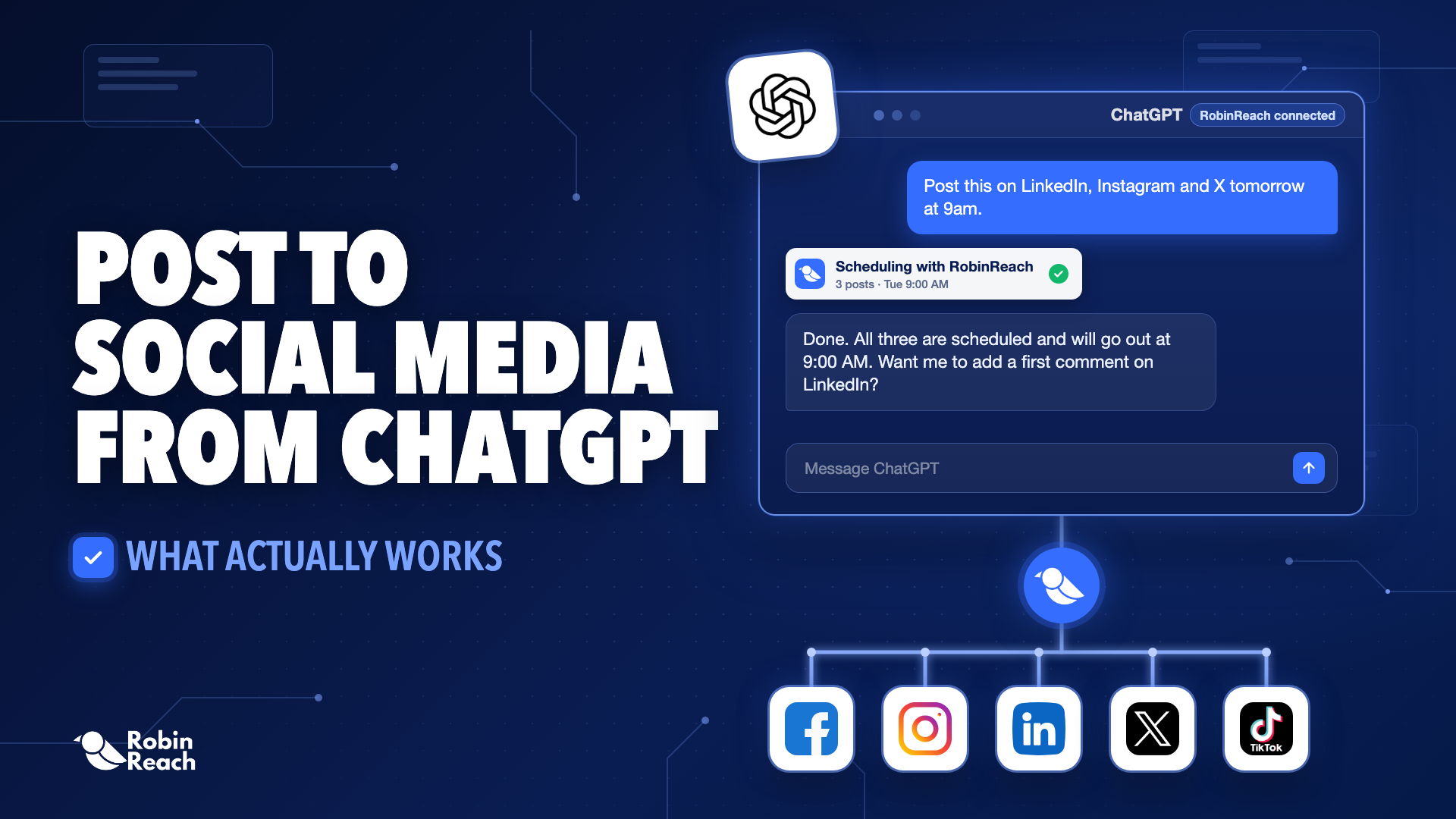
Every "connect ChatGPT to social media" guide walks you through the same four clicks and then quietly stops talking the moment your post goes live. Which is strange, because that's when the actual work starts. Someone comments. Someone DMs asking about pricing. Someone tags your brand at 11pm on a Saturday. The guides go silent right there because most of the tools behind them go silent right there too.
RobinReach doesn't stop at publish. Here's the whole thing, setup, what it actually does, and the part almost nobody else in this space bothers building.
The Part ChatGPT Genuinely Can't Do
ChatGPT has no account of its own. It has never logged into Instagram, never held an API key for LinkedIn, never had permission to post anywhere. What it's good at, writing the caption, picking the angle, catching that your hook is weak, happens entirely inside the chat window, and then the chat window ends and someone has to move the words into an actual platform by hand.
A connector is what closes that gap. Not a plugin, not a browser extension, a server that ChatGPT can call, that holds your real logins and does the parts ChatGPT was never built to do. RobinReach runs one of these, and it's built around a specific bet: that publishing is the easy half of social media, and the interesting half is everything that happens after.
What's Actually Behind the Connector
One RobinReach connection reaches 13 platforms: Facebook, Instagram, TikTok, X/Twitter, LinkedIn, YouTube, Pinterest, Mastodon, Bluesky, Telegram, WordPress, Google Business Profile, and Threads. Wider than almost anything else in this category, most of which stall out around 8 or 9.
But the platform count isn't the interesting number. Two things are:
Every brand you run, one connection. RobinReach was built multi-brand from the ground up, agencies and people juggling several accounts aren't a stretch use case, they're the default one. Connect it once and ChatGPT can reach every brand on your workspace, not just whichever single account you happened to authorize. If you've used a connector that's one login per account with no way to add a teammate, you already know what a wall that becomes the moment you're managing more than yourself.
The inbox lives in the same connection as the outbox. This is the piece that's usually missing. ChatGPT can pull the comments on a post it just helped you publish, draft a reply that sounds like you instead of a support script, and send it, no separate tool, no tab switch. Set up a keyword trigger once ("anyone who comments PRICE gets this DM") and it runs on its own from then on, adjustable by just asking for a change rather than digging through a settings page.
Getting It Connected
Five steps, done once:
- Connect your social accounts inside RobinReach first, this is the step people skip, and skipping it produces a connector that authenticates cleanly and then reports zero accounts. Not broken. Just empty.
- Open ChatGPT on the web (Developer mode doesn't exist in the desktop or mobile apps, so web is the only door), go to Settings, then Apps, then Advanced, and turn Developer mode on.
- Click Create app and point it at https://robinreach.com/mcp/v1/messages?api_key=YOUR_API_KEY.
- Ask ChatGPT what accounts it can see. If your brands come back, you're connected.
One thing worth knowing before you get there: MCP and API access sit on bLOOM PLAN and up, not the entry tier. Better to know that going in than to hit it at step three.
What You Actually Say to It
Once it's connected, the requests stop sounding like software and start sounding like instructions to a person:
"Post the launch announcement to Instagram, LinkedIn and Threads at 9am, and don't reuse the same caption twice."
"Pull the comments off yesterday's Reel and tell me if anyone's asking something I should answer publicly."
"Reply to everyone who asked about pricing on that carousel, keep it short, don't sound like a bot."
"Set up an auto-reply so anyone who comments LINK on future posts gets sent the product page."
"How did the three brands do this week, side by side?"
None of that requires knowing a tool name or reading documentation. You ask, it figures out which platform, which account, which call.
Don't Hand It the Inbox on Day One
Let it draft and publish on its own for a week before you turn on automated replies. It's not that it's bad at this, it's that it makes dozens of small calls you never explicitly made: how much to soften a complaint, whether an emoji fits, when to escalate instead of answer. Watch a week of those calls where the cost of a bad one is zero. Then hand over the inbox.
Quick Answers
Does ChatGPT need anything special to do this? A paid plan, and the web app specifically, Developer mode isn't available on mobile or desktop.
Can it manage more than one brand from a single connection? Yes, that's the main way RobinReach differs from most connectors here, which are locked to one account per login.
Does the comment-to-DM automation cover every platform? It runs on Instagram and Facebook, which is where the underlying platform APIs actually allow it, same boundary the rest of the industry runs into, not something specific to RobinReach.
What if it connects but shows no accounts? The server's fine, you just haven't linked social accounts inside RobinReach yet. Do that, then ask again.