Run every client from one chat, in each client’s own voice
Each client is a separate brand in RobinReach with its own accounts, voice and calendar. Your AI works through them one by one, and new clients connect their own accounts with a single link.
- Your AI
- Brands
- Brand voice
- Connect links
- Every client covered from one chat
Go through Clay & Co., Northbound Coffee and Crumb & Crust and draft next week's posts for each in their own voice. Then make a connect link for our new client, Coach Maya.
- Listed your 4 client brands
- Learned each client's voice separately
- Drafted next week for each client
- Created a connect link for Coach Maya
Drafts are ready: five for Clay & Co., four for Northbound Coffee and three for Crumb & Crust, each in that client's voice. Here is Coach Maya's connect link. It's only shown this once, so send it to her now. Once she connects, I'll learn her voice too.

 RobinReachBrands
 Harbor Studio










An example conversation with an invented brand. Photos from Unsplash.
What your AI uses to do it
Your assistant brings the thinking and the writing. RobinReach gives it hands: these are the parts of RobinReach it works with to get this done.
-
Your AI assistant
Claude, ChatGPT, Gemini, Codex or Cursor. You brief it the way you would brief a person, and it decides which RobinReach actions to take, in what order.
Connect yours in two minutes -
Multiple brands
Keeps every client in its own brand, with separate accounts, calendars and numbers, and works in the one you name.
Learn more -
Brand voice
Learns and stores a voice for each client, so their posts never blur together.
Learn more -
Client connect links Thrive and up
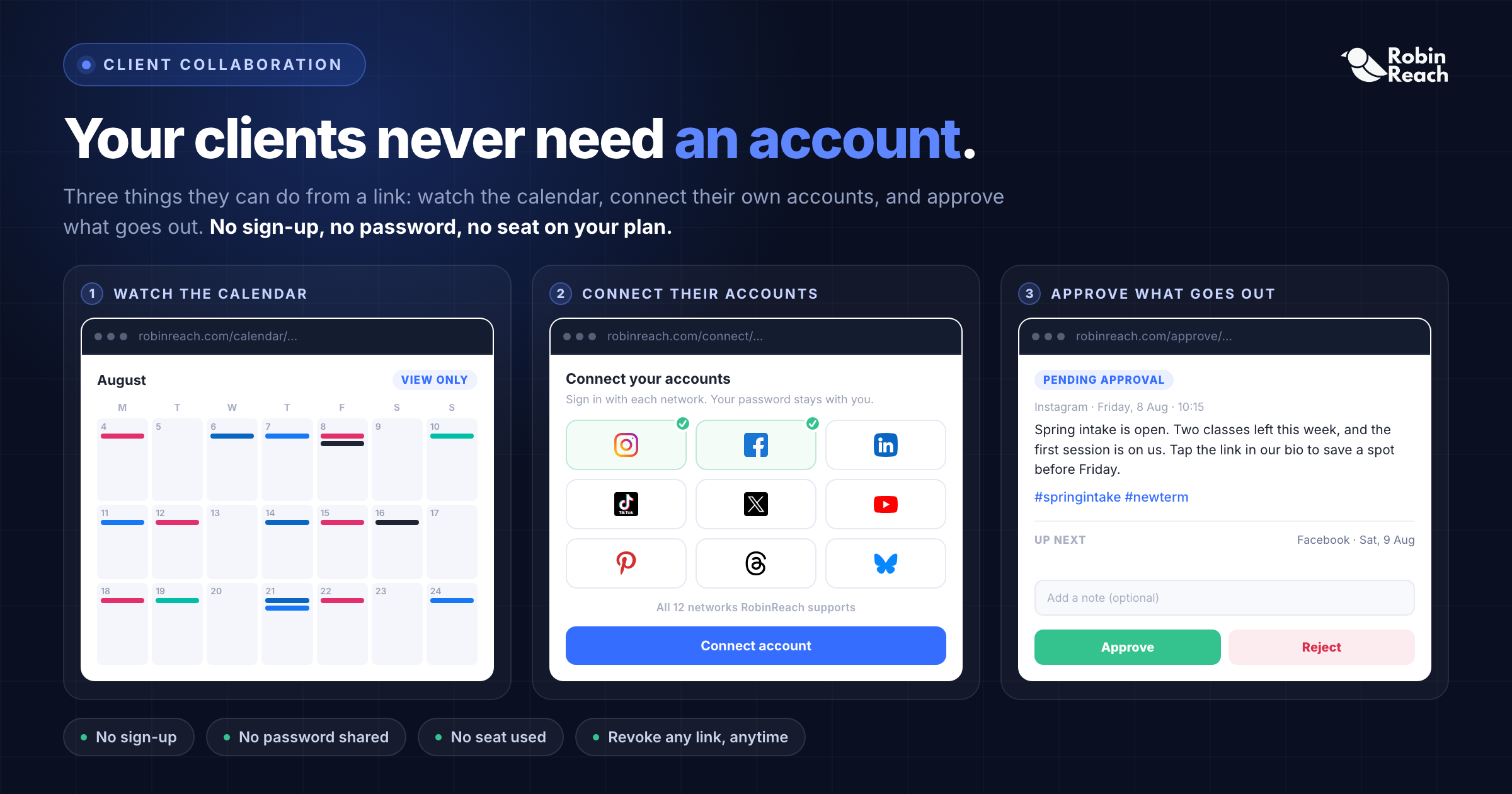
Creates a link a new client uses to connect their own social accounts to your workspace, no account or password sharing needed.
Learn more -
Every client covered from one chat
How it works
What happens between your message and the result. The small labels are the RobinReach actions your AI calls, in case you are curious.
-
Connect your AI to RobinReach, once
Add RobinReach to Claude or ChatGPT as a connector with one link, click Connect and sign in to RobinReach. There is no API key to copy. Other assistants use the link with your API key, from Integrations in RobinReach. It takes about two minutes and you never repeat it.
-
Listed your 4 client brands
Every client is its own brand in RobinReach, with its own connected accounts, posts and settings. Your AI names the brand on every action, so nothing lands in the wrong place.
-
Learned each client's voice separately
Voices are stored per brand, so Clay & Co. never starts sounding like Northbound Coffee.
-
Drafted next week for each client
Drafts go into each client's own calendar, ready for your team to review.
-
Created a connect link for Coach Maya
Coach Maya opens the link and connects her own accounts to her brand in your workspace, with no RobinReach account and no shared passwords. The link is shown once, so your AI hands it straight to you.
-
Check it in RobinReach
Everything your AI did is in RobinReach: the calendar, the posts and their status. Edit, move or delete anything from there.
Copy the prompt
Paste it into your assistant and change the details to fit your brand.
Go through Clay & Co., Northbound Coffee and Crumb & Crust and draft next week's posts for each in their own voice. Then make a connect link for our new client, Coach Maya.
More ways to ask
Copy one, paste it into Claude or ChatGPT, and swap in your own details.
-
List my brands and tell me which ones have nothing scheduled next week.
-
For each client, draft three posts for next week in their own voice. Start with the ones with the emptiest calendars.
-
Make a connect link for our new client, Bloom Florist, that expires in seven days.
-
How did each client do last month? One line per client, best first.
-
Switch to Northbound Coffee and reply to their unanswered comments.
What it does, and what it doesn't
- Your AI always says which brand it is working in, and each client's voice, posts and numbers stay in that brand.
- Connect links can have a password and an expiry date. The client connects their own accounts, so you never handle their passwords.
- Create the new client's brand in RobinReach first. Your AI can't create brands, but it can do everything inside them.
- Connect links come with Thrive and Scale. On Bloom, which covers 5 brands, everything else in this recipe works.
- Your team reviews before posts go live: drafts sit in each client's calendar until someone schedules them.
Start smaller, or stack one more feature
Every use case is a recipe of RobinReach features. These share some of this one's.

Related

Fill the gaps in your calendar
Your AI spots the empty days in the next two weeks and fills each one in your voice.
+ Content calendarBrand voice 2 features See how it works ComboReply to comments with AI
New comments on five networks and Google reviews, answered in your voice, with the ones that need you left for you.
+ Comment inboxBrand voice 2 features See how it works PlaybookTurn a blog post into a week of posts
One link in, seven posts out: each idea rewritten for every network and scheduled across the week.
+ Blog to postsBrand voiceBest times to postPublishing to 13 networks 4 features See how it worksFrom the blog

Frequently asked questions
Can I manage multiple clients' social media with ChatGPT?
Will Claude mix up my clients' voices?
How do clients connect their accounts?
How many clients can I manage?
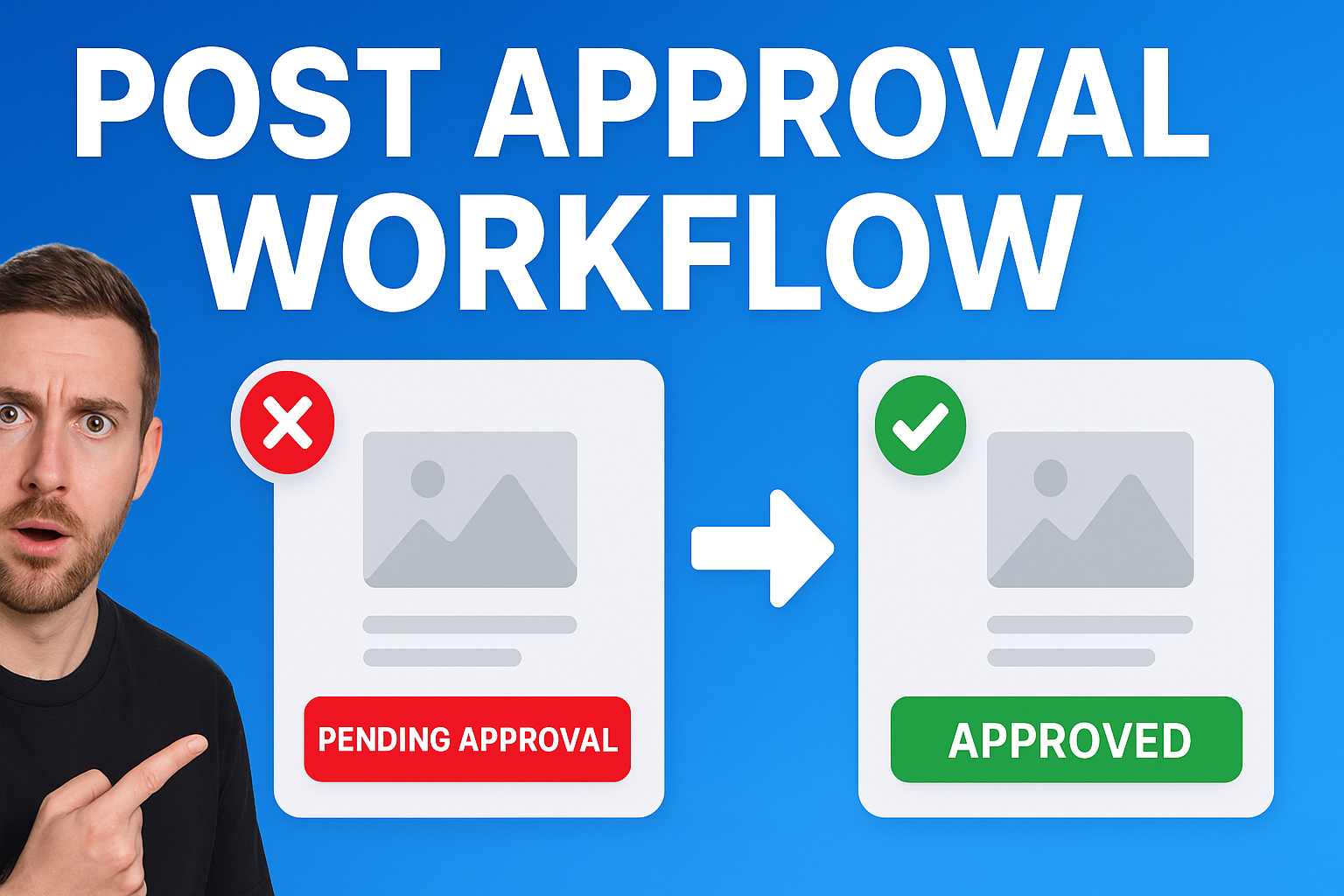
Can clients approve posts before they go out?
Which RobinReach plan do I need for this?
Give every client their own voice, from one chat
Connect Claude or ChatGPT to RobinReach once and work through your client list in plain words. Connect links are on Thrive and Scale.