Plan a whole product launch in one message
Teasers, launch day and the follow-up, all under one campaign label. Your AI makes the teaser image, puts the product on your link in bio and sends the shop link to everyone who comments.
- Your AI
- Labels
- AI images
- Link in bio
- Auto DM
- Publishing
- A launch week, fully set up
We launch the Speckle collection next Friday. Plan the week under the label Speckle launch: two teasers, launch day and a follow-up. Make a teaser image, add the collection to our Bio Page and DM the shop link to anyone who comments SPECKLE.
- Made a teaser image with AI
- Wrote and scheduled 4 posts, all labelled Speckle launch
- Added a Speckle collection card to the top of your Bio Page
- Set up Comment to DM for the word SPECKLE
Launch week is planned: teasers on Monday and Wednesday, the launch post on Friday at 9 and a thank you on Sunday, all labelled Speckle launch. The collection card sits at the top of your Bio Page, and anyone who comments SPECKLE gets the shop link in a DM. Want a reminder for launch morning too?

 RobinReachCampaign
 Clay & Co.
-
Monday
 Something speckled is coming

 AI image
-
Wednesday
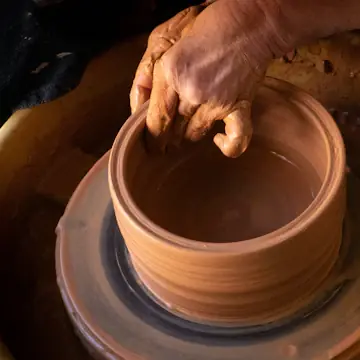 Behind the glaze: how every speckle happens

-
Friday
 The Speckle collection is live
 Comment SPECKLE
-
Sunday
 Thank you, and what sold out first
An example conversation with an invented brand. Photos from Unsplash stand in for AI images.
What your AI uses to do it
Your assistant brings the thinking and the writing. RobinReach gives it hands: these are the parts of RobinReach it works with to get this done.
-
Your AI assistant
Claude, ChatGPT, Gemini, Codex or Cursor. You brief it the way you would brief a person, and it decides which RobinReach actions to take, in what order.
Connect yours in two minutes -
Campaign labels
Tags every launch post with one label, so the whole campaign can be listed and changed together.
Learn more -
Link in bio page
Adds a product card with photo, price and button to your link in bio page and moves it to the top.
Learn more -
Comment to DM
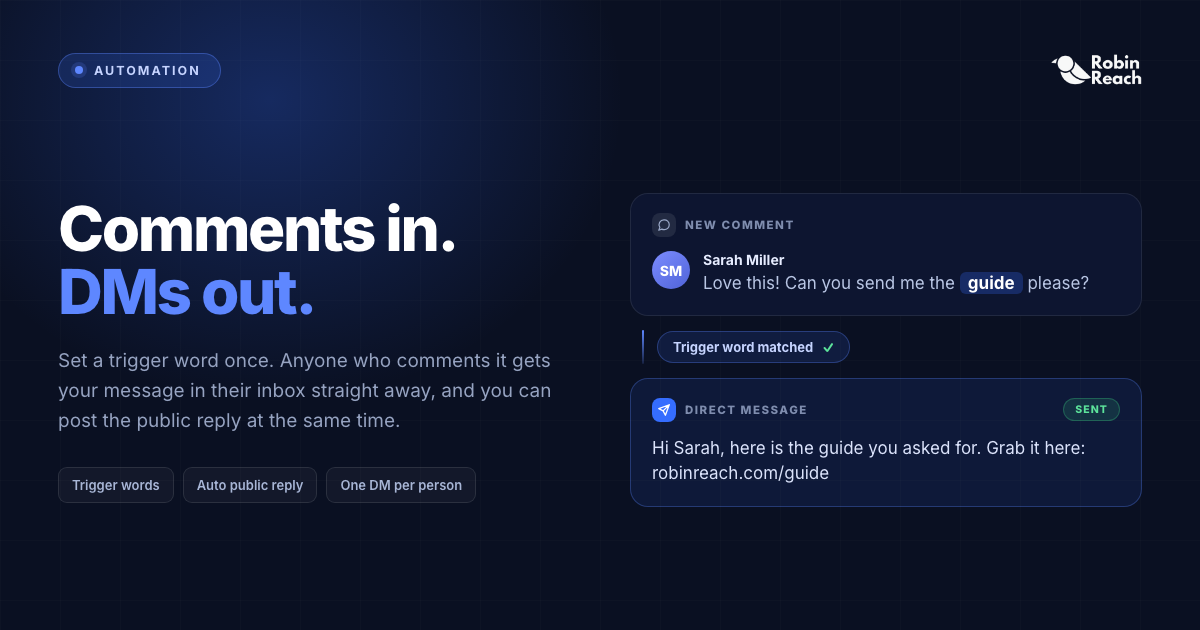
Sends the shop link to everyone who comments the launch keyword, once each.
Learn more -
Publishing to 13 networks
Writes every post for its network, checks it and schedules the week.
Learn more -
A launch week, fully set up
How it works
What happens between your message and the result. The small labels are the RobinReach actions your AI calls, in case you are curious.
-
Connect your AI to RobinReach, once
Add RobinReach to Claude or ChatGPT as a connector with one link, click Connect and sign in to RobinReach. There is no API key to copy. Other assistants use the link with your API key, from Integrations in RobinReach. It takes about two minutes and you never repeat it.
-
Made a teaser image with AI
The image is saved to your media library and attached to the first teaser.
-
Wrote and scheduled 4 posts, all labelled Speckle launch
The label groups the campaign, so you or your AI can list, check or move every launch post together later.
-
Added a Speckle collection card to the top of your Bio Page
A card with the product photo, the price and a Shop now button, moved to the top of your link in bio for launch week.
-
Set up Comment to DM for the word SPECKLE
Anyone who comments SPECKLE on your Instagram or Facebook posts gets the shop link in a private message, once each.
-
Check it in RobinReach
Everything your AI did is in RobinReach: the calendar, the posts and their status. Edit, move or delete anything from there.
Copy the prompt
Paste it into your assistant and change the details to fit your brand.
We launch the Speckle collection next Friday. Plan the week under the label Speckle launch: two teasers, launch day and a follow-up. Make a teaser image, add the collection to our Bio Page and DM the shop link to anyone who comments SPECKLE.
More ways to ask
Copy one, paste it into Claude or ChatGPT, and swap in your own details.
-
Plan a launch week for our new candle, under the label Candle launch: two teasers, launch day, one follow-up.
-
Show me every post labelled Spring sale and move them all one day later.
-
Add a card for the new collection to the top of our Bio Page, with the price and a Shop now button.
-
Make three teaser images for the launch and let me pick one.
-
After launch, tell me how the Speckle launch posts did compared with our usual posts.
What it does, and what it doesn't
- Everything is ordinary RobinReach content: the posts sit on your calendar, the card on your Bio Page, the automation in Comment to DM. Change any of it by hand or by asking.
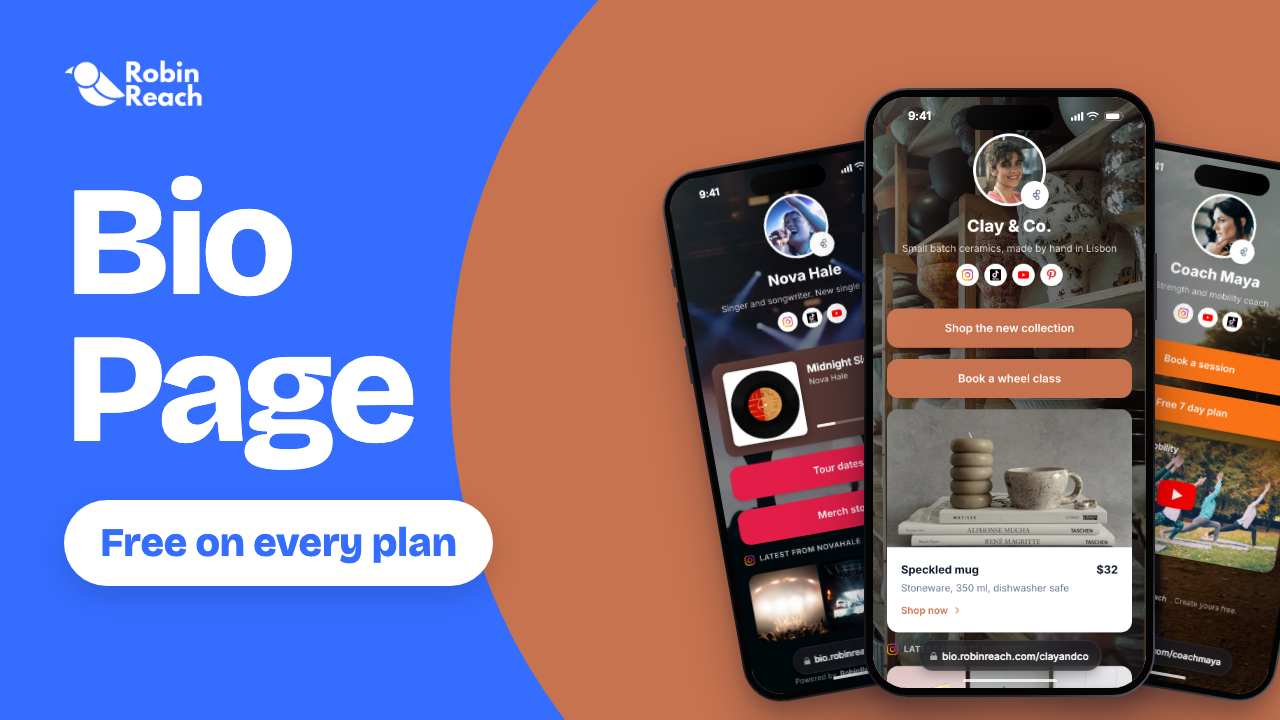
- The Bio Page is free on every plan. Card images come from your media library, so your AI can use the AI image or a product photo.
- AI images count toward your plan's monthly allowance: 50 a month on Bloom.
- Comment to DM works on Facebook Pages and Instagram professional accounts. On Instagram it works best on posts published through RobinReach, which these are.
- RobinReach doesn't make videos. For a launch Reel or TikTok, upload your own clip and your AI will post it.
Start smaller, or stack one more feature
Every use case is a recipe of RobinReach features. These share some of this one's.
Start smaller
DM everyone who comments a keyword
A lead magnet post plus the automation that sends the link to everyone who comments.
+ Comment to DMPublishing to 13 networks 2 features See how it works EssentialCreate images for your posts
A few AI versions of the picture you describe, the best one attached to your post.
+ AI images 1 feature See how it worksRelated

Recycle your best posts
Your top posts of the quarter, rewritten with new hooks and scheduled again.
+ AnalyticsPublishing to 13 networks 2 features See how it works Combo

One video to TikTok, Reels and Shorts
Captions, titles, covers and settings for each network, from one sentence.
+ Video, Reels and ShortsPublishing to 13 networks 2 features See how it works ComboRun a weekly content series
One saved template, a fresh post every week, a month scheduled at a time.
+ Templates and hashtag setsPublishing to 13 networks 2 features See how it worksFrom the blog
Frequently asked questions
How do I plan a product launch on social media with AI?
What is a campaign label?
Can it change the plan if the launch moves?
Can it put the product on my link in bio?
Which RobinReach plan do I need for this?
Plan your next launch in one message
Connect Claude or ChatGPT to RobinReach once and hand it the whole launch week. Included in Bloom, Thrive and Scale.