We built an AI carousel maker into RobinReach
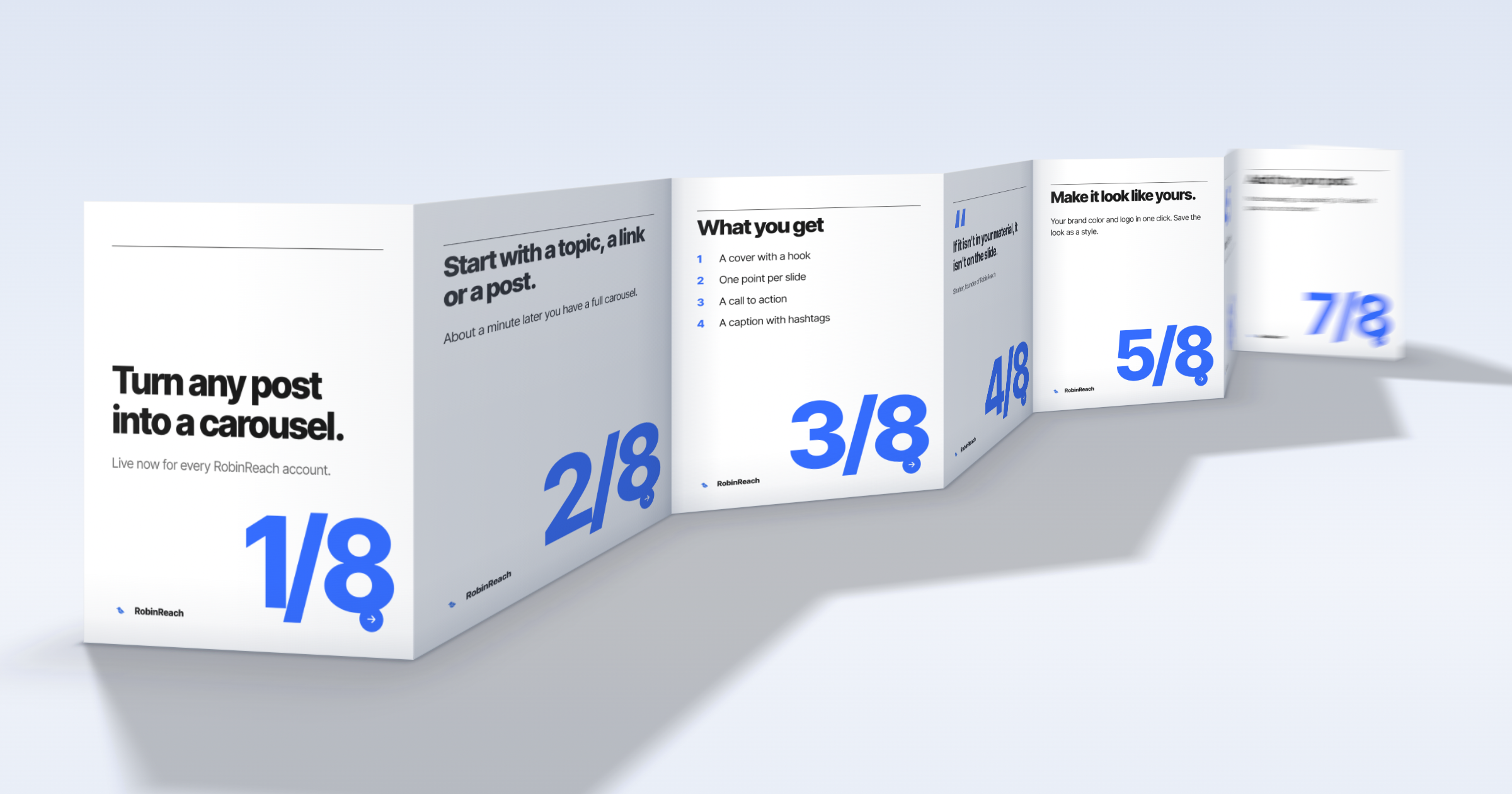
Carousels are some of the most saved and shared posts on Instagram and LinkedIn. They are also a pain to make. You write eight short slides, fight with a design tool, export the images, then upload them all again in your scheduler.
Our customers kept asking for a way to skip that. So for the last few weeks we built a carousel maker right into RobinReach. It's live now for every account.
What it does
You give it a topic, a link to an article, or a post you already wrote. About a minute later you have a full carousel: a cover with a hook, one point per slide, a call to action at the end, and a caption with hashtags. It makes 7 slides by default, and you can choose anywhere from 5 to 10.
I was picky about the writing. Our early versions sounded like every other AI tool ("Unlock the power of..."), so the generator now checks its own draft for hype words, repeated points and exclamation marks, and rewrites it once if it finds any. It's also told never to make up numbers or quotes. If it isn't in your material, it isn't on the slide.
If you're already writing a post in RobinReach, there's an AI Carousel button right under the caption, next to Media. One click turns the post into slides.
Making it look like yours
There are 78 designs in 12 styles, from clean and minimal to loud and playful, plus a few made for Arabic. You can apply your brand color and logo in one click, change the fonts and colors, add a background photo, drop your own images anywhere on a slide, or put your headshot or mascot on every slide.
When you find a look you like, save it as a style and make it your default. Every new carousel starts from it, the AI ones included.
The first customer email we got after launch asked to use a full horizontal logo instead of the round one. That went live the same day. It's a good example of how we plan to keep improving this.
When the carousel is ready, Add to post puts the slides straight into your post. No downloading, no uploading. On LinkedIn they go out as a swipeable document with its own title. You can still download the slides as images or a PDF if you want the files.
The part I'm most excited about
RobinReach already works with Claude, ChatGPT and other AI assistants through MCP. Now those assistants can make carousels too, start to finish.
You can tell Claude something like "turn our latest blog post into a LinkedIn carousel in our style, show it to me, then schedule it for Tuesday morning." It writes the slides in your saved style, then looks at the finished images to check them, the way a designer would. If a slide is crowded or a design doesn't fit, it fixes it. It shows you the result, waits for your yes, and schedules the post with the alt text and the LinkedIn document title already filled in.
It can also start from a blank carousel and design one its own way, try a few designs side by side, or add an AI image to the cover. Whatever it makes shows up in your studio, so you can always jump in and change it yourself.
I don't know of another social media tool where an AI assistant can do that whole loop. That's the reason we built it this way.
A few quick answers
Is it included in my plan? Yes. The studio and all 78 designs are part of every account. AI carousels come with a monthly allowance: 3 on the free plan, 20 on Sprout, 50 on Bloom, 150 on Thrive and 500 on Scale. Editing a carousel never uses one.
Can Claude or ChatGPT make carousels on my plan? Connecting an AI assistant comes with Bloom, Thrive and Scale.
What size are the slides? 1080 by 1350 pixels, the 4:5 portrait size that takes up the most room in the feed.
Where can I post them? Instagram, LinkedIn (as a document), Facebook and TikTok photo posts. X, Bluesky and Mastodon allow 4 images per post, so a full carousel won't fit there.
Does it work in other languages? Yes. It writes in your brand's language, and right to left languages like Arabic work too.